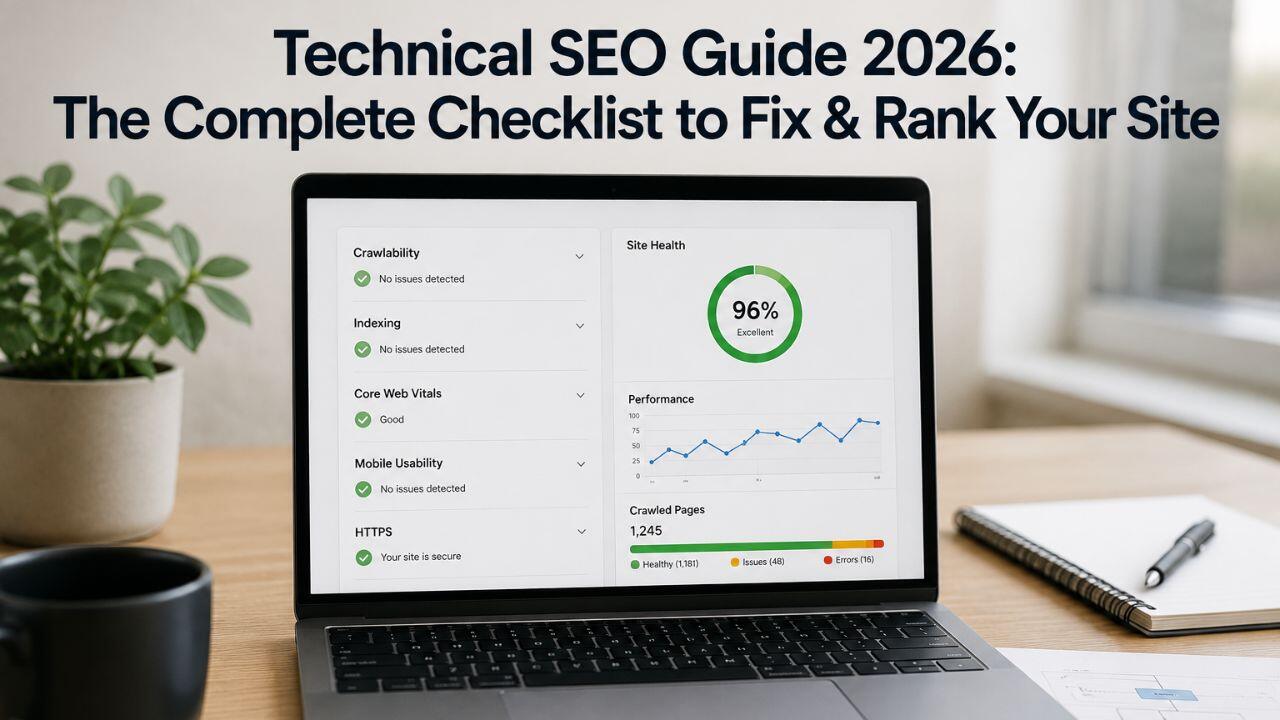
Most SEO conversations focus on keywords, content, and backlinks. And those things matter.
But if the technical foundation of your website is broken, none of the other work delivers its full potential. Google can’t rank pages it can’t crawl. It won’t rank slow pages ahead of fast ones. It deprioritises pages with poor mobile experience, missing schema, and duplicate content issues.
In 2026, technical SEO has a new layer: AI-driven search systems – including Google’s AI Overviews and AI Overviews with Link – use structured data, crawlability signals, and page experience scores as inputs when deciding which content to surface. A technically clean site doesn’t just rank better in blue links; it’s more likely to be cited in AI-generated answers.
This is your complete technical SEO guide 2026 – a structured checklist of what to check, what to fix, and why each item matters.
Section 1: Crawlability and Indexation
Google can only rank what it can find and index. Crawlability issues are invisible until you check for them – and they’re far more common than most site owners realise.
Check Your robots.txt File
Your robots.txt file tells Google’s crawler which pages to access and which to avoid. A misconfigured robots.txt is one of the most common causes of unexpected ranking drops.
- Visit yourdomain.com/robots.txt and review what’s disallowed
- Ensure you haven’t accidentally blocked important pages or entire sections
- Confirm your sitemap URL is listed in the robots.txt file
Red flag: If your WordPress site was ever set to “discourage search engines” during development and that setting was never reversed, your entire site could be blocked.
Submit and Maintain Your XML Sitemap
Your XML sitemap tells Google which pages exist and when they were last updated.
- Submit your sitemap in Google Search Console → Sitemaps
- Ensure the sitemap only includes pages you want indexed – no 404s, redirects, or noindex pages
- For large sites, use separate sitemaps for different content types (blog posts, product pages, location pages)
Fix Crawl Errors in Google Search Console
In Google Search Console → Pages → Why pages aren’t indexed:
- Not found (404): Pages Google tried to crawl but received a 404. Fix broken internal links or add 301 redirects.
- Redirect error: Redirect chains (A → B → C → D) waste crawl budget and dilute link equity. Clean up chains to single-hop redirects.
- Soft 404: A page returns a 200 status but has no useful content. Google treats these as low-quality signals.
- Discovered but not crawled: Google knows the page exists but hasn’t prioritised crawling it – often a crawl budget issue on large sites.
Section 2: Site Speed and Core Web Vitals
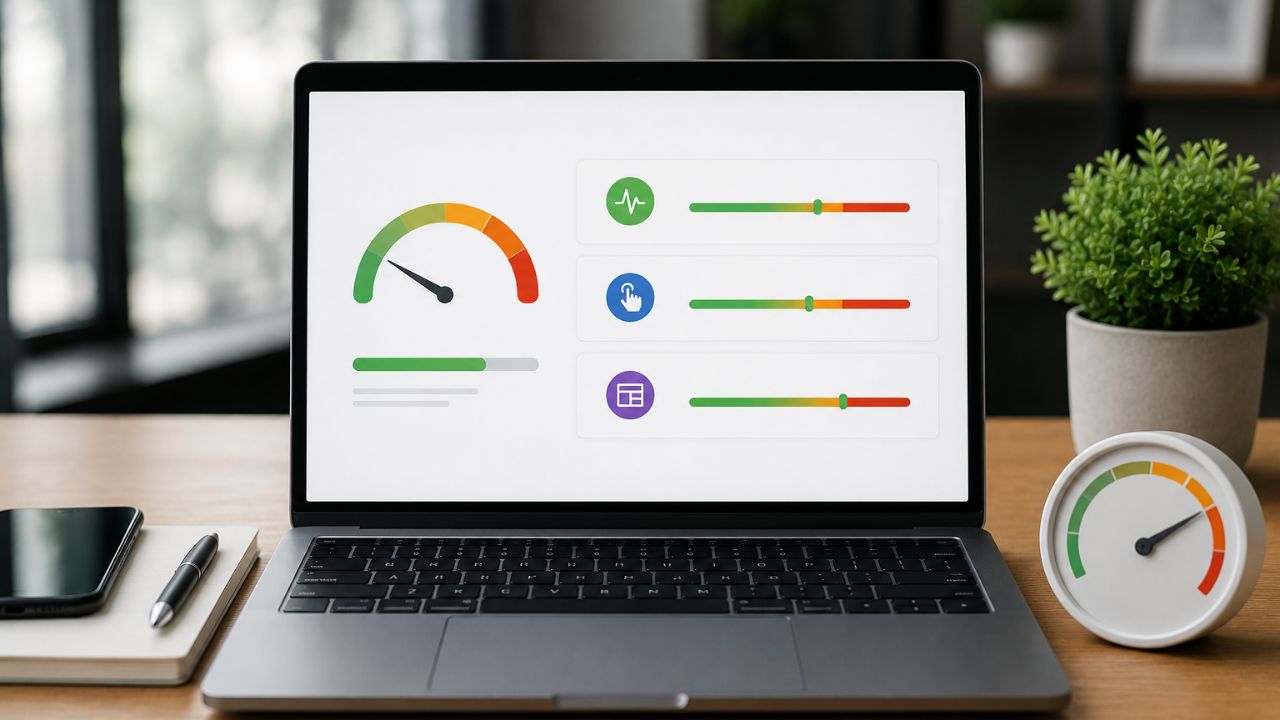
Page speed is a direct ranking factor for both mobile and desktop. In India, where 4G connections remain variable outside metro areas, site speed is especially important – slow pages lose users before they load, and Google knows it.
The Three Core Web Vitals
Google’s Core Web Vitals measure real-world page experience:
- LCP (Largest Contentful Paint): How quickly the main content loads. Target: under 2.5 seconds. The most impactful element is usually your hero image or main heading.
- INP (Interaction to Next Paint): How quickly the page responds to user interaction (clicks, taps). Target: under 200ms. Replaced FID as the interactivity metric in 2024 and remains critical in 2026.
- CLS (Cumulative Layout Shift): How much the page “jumps” as it loads. Target: under 0.1. Common cause is images without specified dimensions or late-loading fonts.
Check your Core Web Vitals in Google Search Console → Experience → Core Web Vitals, and use Google PageSpeed Insights for page-level diagnostics.
Site Speed SEO India: What Slows Indian Sites Down
For Indian websites targeting local audiences:
- Uncompressed images – by far the most common culprit. Use WebP format and compress images before uploading. A 2MB hero image should be under 200KB.
- No CDN – hosting all assets from a single server location means longer load times for users far from the server. A Content Delivery Network (CDN) like Cloudflare distributes assets globally.
- Render-blocking JavaScript – scripts that load in the <head> before the page content block rendering. Move non-critical scripts to the footer or load them asynchronously.
- Slow server response time (TTFB) – if your hosting is under ₹500/month shared hosting, server response time is likely contributing to slow LCP. Upgrading to better hosting has an immediate impact.
- No browser caching – returning visitors re-download every asset on every visit. Caching headers significantly improve load speed for repeat visits.
Section 3: Mobile Optimisation
Google uses mobile-first indexing – the mobile version of your site is what Google primarily crawls and ranks, regardless of whether most of your traffic is desktop.
Mobile SEO Checklist
- Responsive design: Your site should adapt cleanly to all screen sizes. Use Google’s Mobile-Friendly Test to check.
- Text readability on mobile: Body text should be at least 16px. Avoid fonts that render too small on mobile screens.
- Tap targets: Buttons and links should be at least 48px × 48px and have adequate spacing between them. Tightly packed links cause accidental clicks and poor UX signals.
- No horizontal scrolling: Content should never require horizontal scrolling on mobile.
- Intrusive interstitials: Full-screen popups that appear immediately on mobile pages are a Google penalty trigger. Use smaller, dismissible banners instead.
Section 4: HTTPS and Security
HTTPS is a confirmed Google ranking signal – and in 2026, users abandon non-HTTPS sites instantly. This is table stakes, not a bonus.
- Ensure your entire site uses HTTPS – including subdomains, image URLs, and internal links
- Check for mixed content warnings (HTTP resources loading on HTTPS pages) using your browser’s developer tools or a tool like Why No Padlock
- Verify your SSL certificate is valid and not near expiry – an expired certificate tanks both rankings and user trust instantly
Section 5: Structured Data and Schema Markup
Structured data is the 2026 technical SEO frontier. It’s what feeds Google’s Knowledge Graph, rich results, and – critically – AI Overviews.
When Google’s AI systems summarise a topic and cite sources, they disproportionately pull from pages with clean, accurate structured data. Adding schema is one of the most direct ways to improve your chances of appearing in AI-generated search answers.
Priority Schema Types for Indian Businesses
- LocalBusiness schema: Name, address, phone, business hours, service area – essential for any business with a physical location or local service area
- FAQPage schema: Your FAQ content marked up so Google can display individual Q&A pairs in search results and pull them into AI Overviews
- Article/BlogPosting schema: For content-heavy sites – tells Google the author, publish date, and content type
- Product schema: For eCommerce – price, availability, reviews
- BreadcrumbList schema: Site navigation hierarchy – improves how your URL appears in search results
Use Google’s Rich Results Test to verify your schema is implemented correctly and eligible for rich results.
Section 6: URL Structure and Site Architecture
A logical URL structure helps both users and Google understand how your site is organised – and directly impacts crawl efficiency.
URL Best Practices
- Short, descriptive URLs: beskymarketing.com/local-seo-guide beats beskymarketing.com/p=1492&cat=blog&id=72
- Lowercase letters only: Uppercase URLs create duplicate content issues in some servers
- Hyphens, not underscores: Google treats hyphens as word separators; underscores are treated as connectors
- Consistent trailing slash usage: Pick one (with or without) and stick to it across all URLs – use 301 redirects to enforce consistency
Internal Linking for Crawlability
- Every important page should be reachable within 3 clicks from the homepage
- Use descriptive anchor text for internal links – not “click here” or “read more”
- Check for orphan pages (pages with no internal links pointing to them) using a crawl tool like Screaming Frog or Ahrefs
Section 7: Duplicate Content and Canonical Tags
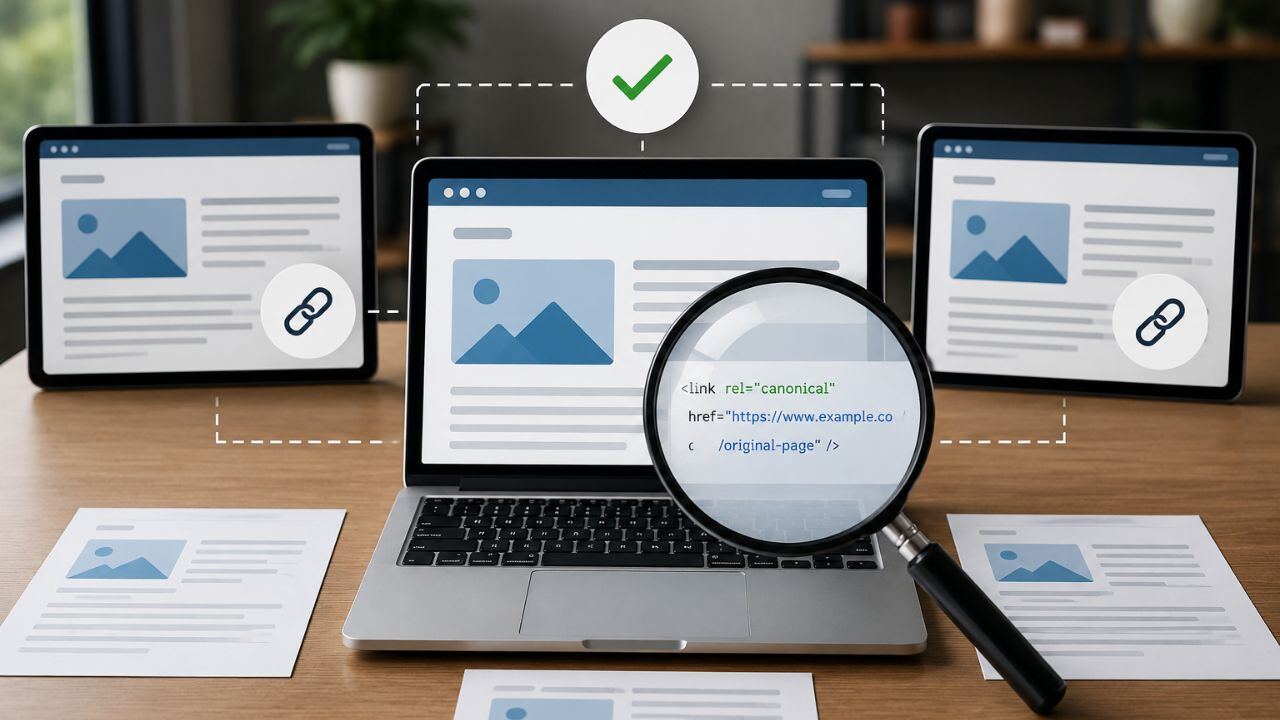
Duplicate content doesn’t just waste crawl budget – it dilutes ranking signals across multiple URLs when Google doesn’t know which version to rank.
Common Duplicate Content Issues
- HTTP vs HTTPS versions – both accessible without redirect
- www vs non-www – www.example.com and example.com treated as separate pages
- Trailing slash variants – /page/ and /page indexed separately
- URL parameters – ?utm_source= creating duplicate indexed versions of the same page
Canonical Tags
Add a <link rel=”canonical”> tag to every page pointing to the preferred version. This tells Google which URL should receive the ranking credit when multiple URLs contain similar content.
On WordPress: Yoast SEO or Rank Math handles canonical tags automatically. On custom-built sites, they need to be added manually.
Technical SEO Checklist 2026: Priority Order
Fix first (high impact, often quick):
- Crawl errors in Google Search Console
- robots.txt misconfiguration
- Missing or incorrect canonical tags
- HTTPS enforcement and mixed content
- Image compression (immediate speed impact)
Fix next (high impact, medium effort):
- Core Web Vitals improvements (LCP, INP, CLS)
- Schema markup implementation
- Mobile usability issues
- Internal link structure
Build over time (compounding benefit):
- CDN implementation
- Site architecture improvements
- Comprehensive structured data coverage
- Crawl budget optimisation for large sites
The Bottom Line
Technical SEO isn’t a one-time audit – it’s ongoing maintenance. Google updates its crawling behaviour, introduces new ranking signals, and adjusts how AI systems extract content from pages. A site that was technically clean in 2024 may have emerging issues in 2026.
Run a technical audit at least quarterly using Google Search Console, PageSpeed Insights, and a crawl tool. Fix the high-impact issues first. Then build the structured data and architecture improvements that compound over time.
A technically sound website is the foundation that makes every other SEO investment – content, links, local optimisation – significantly more effective.
Want BeSky Marketing to Run a Technical SEO Audit?
Frequently Asked Questions (FAQs)
Q1. How do I know if my website has technical SEO issues?
Start with Google Search Console to find indexing, speed, and mobile issues. For deeper checks, use tools like Screaming Frog or Ahrefs Site Audit.
Q2. Does page speed really affect Google rankings?
Yes, page speed impacts rankings and user experience. Faster websites improve engagement and can boost SEO performance, especially on mobile.
Q3. What is structured data and do I need it?
Structured data (schema markup) helps Google understand your content and display rich results like FAQs, reviews, and product info. It’s important for SEO and AI search visibility in 2026.
Q4. How often should I run a technical SEO audit?
Run a full technical SEO audit once or twice a year and monitor Google Search Console monthly. Audit immediately after redesigns or major website changes.
Q5. What is the most common technical SEO mistake Indian websites make?
The biggest issue is large, unoptimised images slowing websites down. Another common mistake is missing schema markup, which affects visibility in search results.
