Let’s cut straight to it.
Most businesses spending money on content, ads, and social media have a site full of technical SEO problems they don’t even know exist. Broken redirects. Missing schema. Crawl budget being wasted on irrelevant pages. Pages that Google simply can’t index correctly.
These aren’t minor issues-they’re ranking killers holding back your growth.
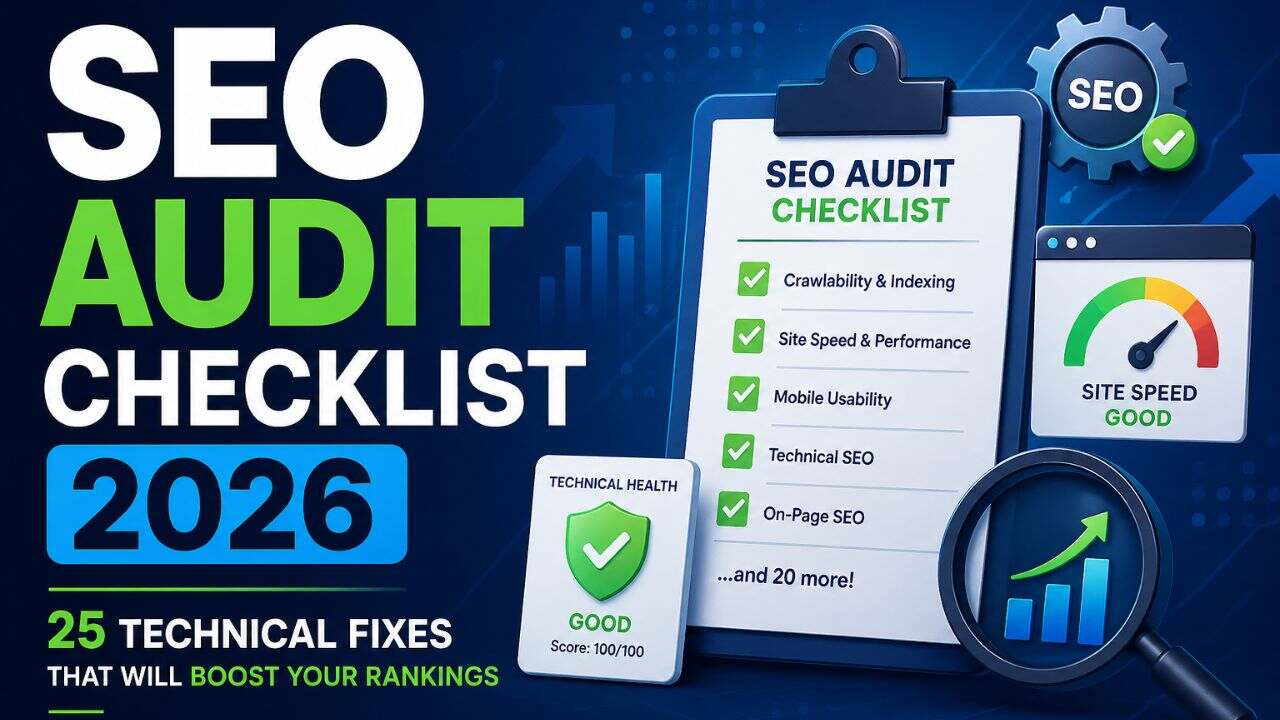
This SEO audit checklist 2026 covers 25 key fixes commonly found across Indian websites.
Apply what’s relevant, fix systematically, and watch your rankings improve.
What You Need Before You Begin
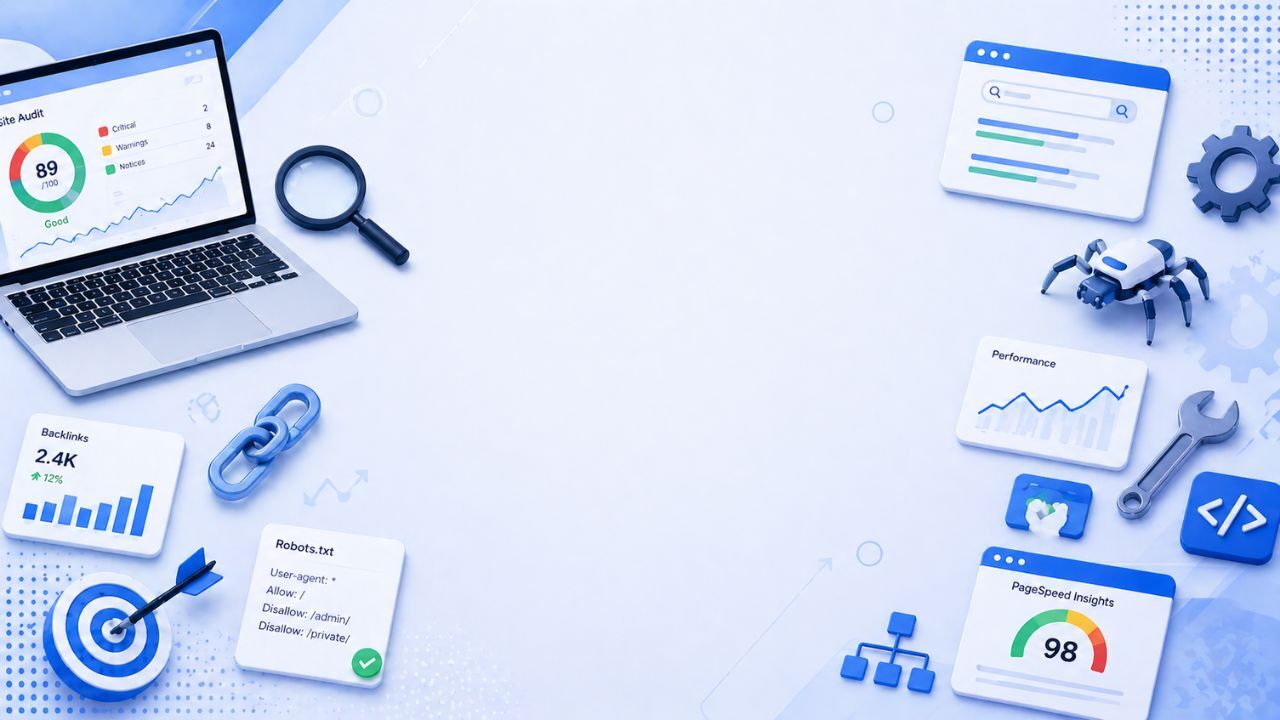
A website SEO audit doesn’t need a big budget-just the right tools and a structured approach.
Essential tools:
- Google Search Console – indexation, crawl, performance data
- Screaming Frog – technical site crawl (free up to 500 URLs)
- Google PageSpeed Insights – Core Web Vitals analysis
- Ahrefs / Semrush – backlinks, keywords, competitors
- Google Rich Results Test – schema validation
Set these up, and you’re ready to audit.
Section 1: Crawling & Indexation
Fix 1: Confirm Google Is Crawling the Right Pages
In Google Search Console, go to the Coverage report. Check how many pages are indexed – and whether the number makes sense for your site size. If you have 200 products but only 80 are indexed, something is actively preventing Google from crawling the rest.
Fix 2: Fix Misconfigured Robots.txt
Your robots.txt file should block only pages that genuinely shouldn’t be crawled – admin areas, checkout flows, duplicate parameter URLs. A single misplaced Disallow rule can block your entire site from Google. Check it at yourdomain.com/robots.txt and verify every rule is intentional.
Fix 3: Remove or Correct Accidental Noindex Tags
Noindex tags are essential for pages like thank-you pages or internal search results. But they’re frequently applied by mistake to category pages, product pages, or blog posts. Run a Screaming Frog crawl and filter for noindex tags. Every flagged page should have a deliberate reason to be excluded.
Fix 4: Audit and Submit Your XML Sitemap
Your sitemap tells Google which pages exist and should be crawled. It should include only live, canonical, indexable pages – not redirects, 404s, or noindexed pages. Submit it in Google Search Console and check for any reported errors.
Fix 5: Fix Crawl Errors in Search Console
The Coverage report flags pages Google tried to crawl but couldn’t process correctly. Prioritise:
- 404s with inbound links – these waste crawl budget and lose link equity
- Redirect chains – three or more hops in a redirect chain should be consolidated
- Soft 404s – pages returning 200 status but displaying empty or irrelevant content
Fix 6: Add Internal Links to Orphan Pages
Orphan pages – pages with no internal links pointing to them – are largely invisible to Google. Crawl your site with Screaming Frog and cross-reference against your sitemap. Any page in the sitemap with zero internal links needs to be linked from relevant content or consolidated into an existing page.
Section 2: Page Speed & Core Web Vitals
In 2026, page speed is both a ranking factor and a gateway to AI-powered rich result features. Slow pages don’t just rank lower – they’re excluded from certain SERP enhancements entirely.
Fix 7: Measure Core Web Vitals on Key Pages – Not Just Your Homepage
Run your top 10 revenue-generating pages through Google PageSpeed Insights. Target:
- LCP under 2.5 seconds
- CLS under 0.1
- INP under 200ms
These thresholds are non-negotiable for competitive rankings in 2026.
Fix 8: Convert Images to WebP and Compress Them
Large images are the leading cause of slow LCP scores on Indian eCommerce sites. Convert all images to WebP format, compress them before upload, and always add explicit width and height attributes to prevent layout shift (CLS).
Fix 9: Defer Non-Critical JavaScript
JavaScript that loads before your page content is rendered blocks the browser from displaying anything to the visitor. In PageSpeed Insights, look for “Eliminate render-blocking resources” warnings. Defer or async-load any script that isn’t critical to the initial page view.
Fix 10: Enable Caching and Add a CDN
If your server takes more than 200ms to respond, your LCP score will suffer regardless of what else you do. Enable server-side caching through your hosting panel and add Cloudflare’s free CDN – this is especially impactful for Indian sites serving traffic across multiple states and cities.
Fix 11: Minify Your CSS, JS, and HTML Files
Every unnecessary character in your code adds to load time. Minification removes whitespace and comments without affecting functionality. WordPress users can handle this with WP Rocket. Shopify handles much of this automatically, but custom scripts often need manual attention.
Section 3: On-Page Technical SEO
Fix 12: Write Unique Title Tags
Duplicate titles are common in eCommerce and hurt SEO.
Export titles via Screaming Frog and check for duplicates, missing tags, and length issues (60+ characters).
Ensure every page has a unique, keyword-focused title.
Fix 13: Audit Meta Descriptions
Missing or duplicate meta descriptions hurt CTR.
Write unique 150–160 character descriptions for all key pages.
Fix 14: Verify One H1 Per Page
Each page should have one H1 with the primary keyword.
Fix missing or multiple H1s.
Fix 15: Fix Broken Internal Links
Links to 404 pages waste crawl budget and block authority flow.
Find and fix them using Screaming Frog.
Fix 16: Resolve Duplicate Content
Duplicate content splits ranking signals.
Common causes:
- www vs non-www
- HTTP vs HTTPS
- Filtered URLs
- Reused product descriptions
Use canonical tags to fix duplication.
Fix 17: Optimise Image Alt Text Across the Site
Every image needs descriptive alt text. Not keyword-stuffed – descriptive. This serves three purposes: accessibility for screen readers, Google Image Search indexation, and additional topical context for the crawled page. Filter for missing alt text in Screaming Frog and work through the results systematically.
Fix 18: Clean Up URL Structure
Short, descriptive URLs consistently outperform dynamic parameter-heavy URLs in organic search. If your category pages are serving URLs like /shop?category=12&sort=asc, these need to be canonicalised to clean versions – or rewritten with proper redirects if you’re migrating to a cleaner structure.
Section 4: Schema Markup & AI Search Readiness
This section is where most technical SEO audit India processes most commonly fall short – and where the biggest untapped opportunity sits in 2026.
Fix 19: Add Product Schema to Every Product Page
Product schema lets your price, availability, and ratings appear as rich results in search.
It also powers Google’s AI Shopping features.
Test each page with Rich Results Test to ensure valid schema.
Fix 20: Implement AggregateRating Schema for Star Ratings
Star ratings boost click-through rates in search results.
Add AggregateRating schema to product/service pages using real reviews.
Ensure the rating in schema matches what’s shown on the page-mismatches remove rich results.
Fix 21: Add FAQPage Schema to Key Pages
FAQ sections marked up with FAQPage schema can appear as expanded rich results directly on the SERP – capturing space without ranking higher. They also feed directly into AI Overviews. Add 4-6 genuine, useful FAQs to every major page and mark them up.
Fix 22: Verify BreadcrumbList Schema
Breadcrumb schema shows Google your site structure and page hierarchy.
It improves SERP display and AI understanding of your catalogue.
Make sure it’s implemented and valid on key pages.
Section 5: Mobile, Authority & Final Checks
Fix 23: Test Mobile Usability on Real Pages
Google uses mobile-first indexing, so your mobile experience determines rankings.
Check your site in Search Console and test on real devices.
Fix issues like small tap targets, hard-to-read text, and overflowing content.
Fix 24: Audit Internal Linking Architecture
Your internal linking structure tells Google which pages are most important and distributes authority across your site. Many websites send huge amounts of authority to their homepage and almost none to their category or product pages – which are the pages that actually need to rank.
Check that:
- Revenue-generating pages receive the most internal links
- Blog content links out to relevant category and product pages
- No page receives an excessive number of outbound internal links
Fix 25: Check for and Disavow Toxic Backlinks
In Ahrefs or Semrush, run a backlink audit looking for links from penalised domains, link farms, or irrelevant foreign directories. Toxic links can suppress your domain’s authority scores and indirectly affect rankings. Compile any genuinely spammy links into a disavow file and submit it through Google Search Console.
The Bottom Line
A technical SEO audit is the most impactful investment most businesses can make in their organic growth strategy. This SEO audit checklist 2026 highlights real issues we consistently find across websites-regardless of size or industry-that directly impact rankings.
The framework:
- Fix crawlability and indexation first
- Address page speed and Core Web Vitals
- Clean up on-page elements at scale
- Implement complete schema markup
- Audit authority signals last
Work through it in that order. Measure before and after in Google Search Console. The data will show you what moved – and by how much.
Need a Professional SEO Audit for Your Business?
Frequently Asked Questions (FAQs)
Q1. What is an SEO audit in 2026?
An SEO audit checks your site’s technical setup, on-page SEO, and authority to find issues blocking rankings-especially important for AI search and rich results.
Q2. Technical SEO audit vs SEO review?
Technical audit = site performance & structure
SEO review = content, keywords, backlinks
Fix technical issues first.
Q3. How do I know if I have technical SEO issues?
Signs include low traffic, poor rankings, indexing errors, and Core Web Vitals issues in Search Console.
Q4. Can I do an SEO audit myself?
Yes, for small sites. Larger or complex sites benefit from an agency audit for deeper insights.
Q5. How fast will I see results after fixes?
Quick fixes show in 2–4 weeks. Full impact builds over 3–6 months.
