
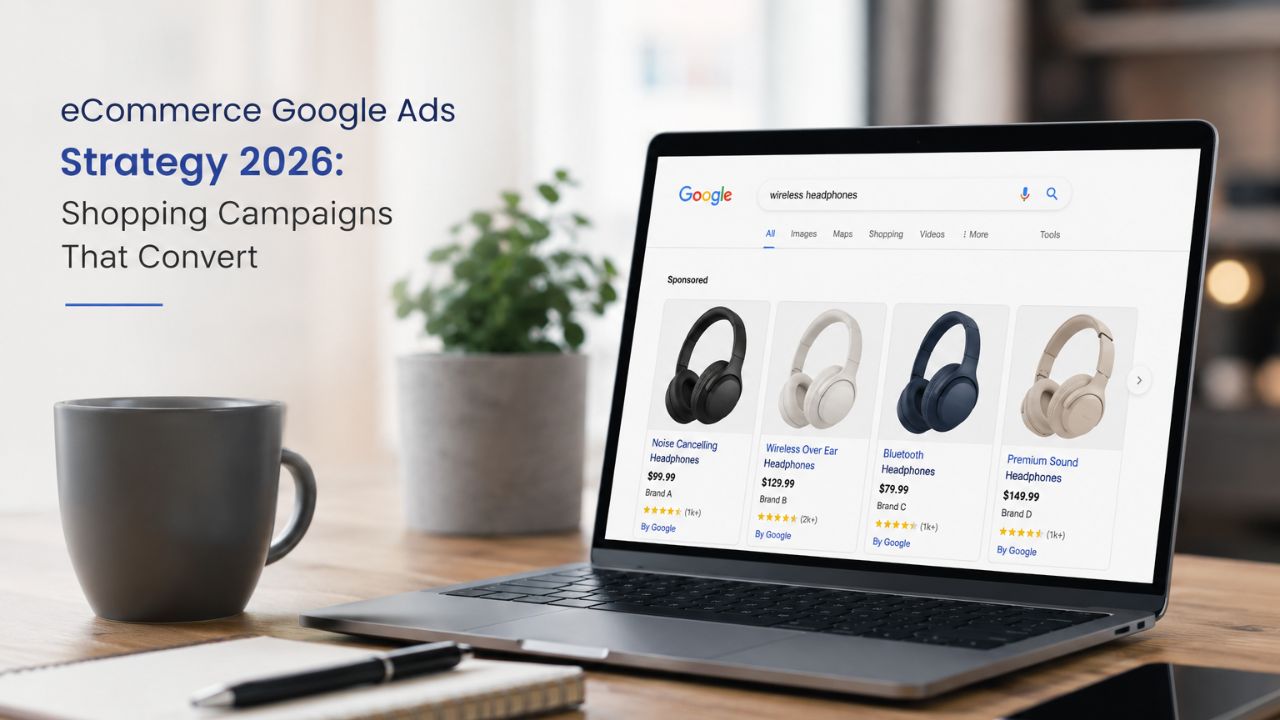
Running Google Shopping ads without a strategy is one of the most expensive mistakes an eCommerce business can make.
You get clicks. You spend budget. But the ROAS is disappointing, the cart abandonment is high, and you’re not sure which products are pulling their weight and which are draining your account.
The Indian eCommerce market in 2026 is significantly more competitive than it was two years ago. Category-level CPCs are rising. AI-driven campaigns have changed how Shopping works. And the businesses consistently generating 4x, 5x, and 6x ROAS aren’t running standard campaigns – they’re running structured, data-informed strategies that most eCommerce businesses haven’t caught up with yet.
This is your complete eCommerce Google Ads strategy 2026 guide – built specifically for Indian eCommerce brands running or planning to run Shopping campaigns.
Why Google Shopping Still Dominates eCommerce PPC in 2026
Google Shopping ads – the product listings with images, prices, and store names that appear at the top of search results – continue to drive the highest purchase intent traffic of any paid channel.
When someone searches “men’s running shoes under ₹2,000” and clicks a Shopping ad, they’re already in buying mode. They’ve seen the product image, the price, and your store name before they’ve clicked. That pre-qualified intent is why Shopping ads consistently outperform text ads for eCommerce conversion rates.
In 2026, Google Shopping campaigns 2026 have evolved in three important ways:
- Performance Max has become the dominant campaign type for Shopping, replacing Standard Shopping as Google’s recommended approach for most eCommerce accounts
- AI-driven bidding has improved significantly, making Target ROAS more reliable than manual bidding for accounts with sufficient conversion data
- Product feed quality has become the primary ranking signal – how well your product titles, descriptions, and attributes are optimised now determines visibility more than bid amounts alone
The Foundation: Your Merchant Centre Product Feed
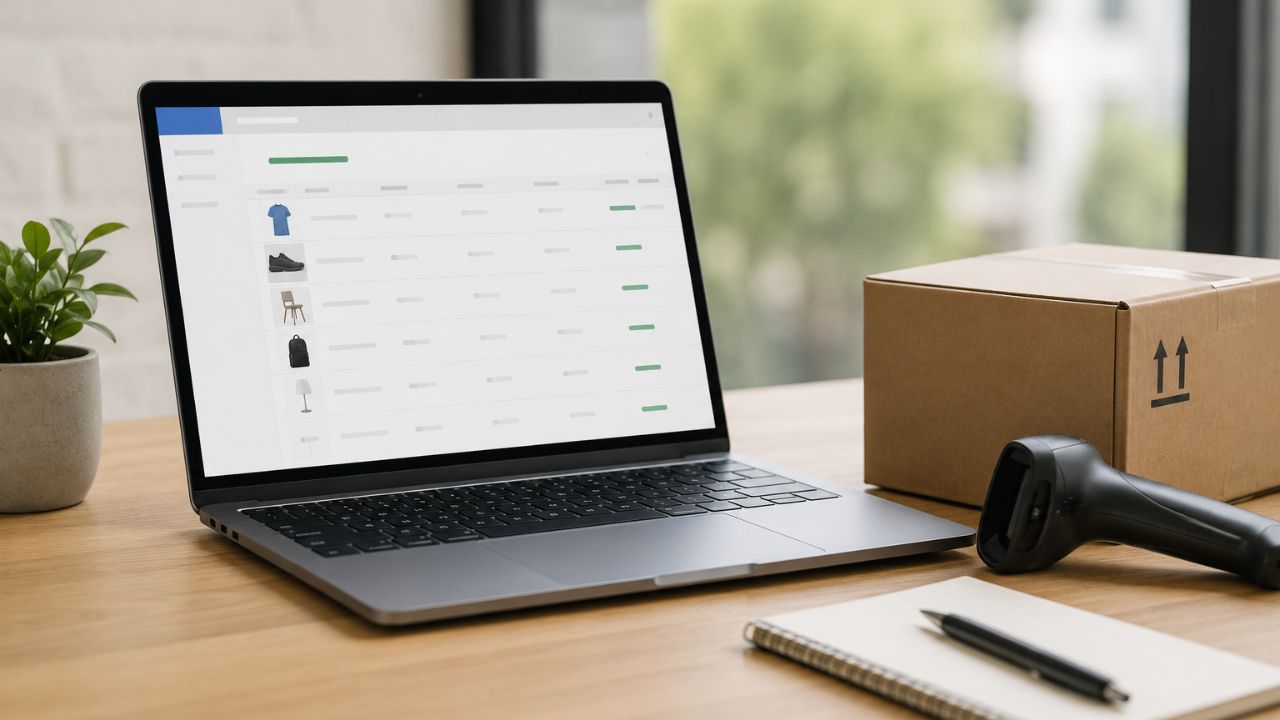
Everything in Google Shopping begins with your product feed. A poorly optimised feed is the single most common reason eCommerce brands underperform on Shopping – and it’s entirely fixable.
What Google Evaluates in Your Feed
Google’s Shopping algorithm uses your product feed as its primary data source for deciding when to show your ads, how relevant they are to a search query, and how to rank them against competitors.
The key feed attributes:
- Product title – the single most important feed attribute. Google uses it to match your product to search queries. A title like “Blue Running Shoes” will lose to “Men’s Blue Cushioned Running Shoes Size 8–11 Nike Rival 3” every time for relevant queries.
- Product description – supports the title with additional keyword signals and product details. Include key specifications, materials, use cases, and benefits.
- GTIN/MPN – if your products have standard barcodes or manufacturer part numbers, include them. Google uses these to identify your product in its catalogue and improve relevance.
- Product category – use Google’s standard product taxonomy categories precisely. “Apparel & Accessories > Shoes > Athletic Shoes” is better than “Footwear.”
- Price and availability – must be accurate and in sync with your website in real time. Price mismatches between feed and site trigger account suspensions.
- High-quality images – minimum 800x800px, white or clean background for apparel, lifestyle images for home goods. Blurry or watermarked images dramatically reduce CTR.
Feed Optimisation for Indian eCommerce
For eCommerce PPC India, feed quality issues tend to cluster around:
- Product titles that are too generic (“Blue Dress”) or too keyword-stuffed in a way that reads unnaturally
- Missing GTINs for products that have them (common for branded goods)
- Price inconsistencies between the feed and the live website (especially during sales)
- Low-resolution images that don’t stand out against competitor listings
Spend time here before touching bids or campaign structure. A well-optimised feed will outperform a poorly optimised feed on the same bid by a significant margin.
Campaign Structure: Standard Shopping vs Performance Max
In 2026, most eCommerce Google Ads accounts should have a considered approach to both campaign types rather than blindly defaulting to one.
Performance Max for eCommerce
Performance Max is the right choice for most established eCommerce accounts with strong conversion data and a well-optimised Merchant Centre feed. PMax uses your product feed alongside creative assets (images, videos, headlines) to run Shopping, Display, YouTube, Gmail, and Discover ads from a single campaign.
When to use PMax:
- You’re generating 50+ purchases per month and have reliable ROAS data
- You have video assets (even basic product videos) to feed the campaign
- You want to maximise reach across channels beyond Search and Shopping
Set up separate PMax campaigns for:
- High-margin, high-converting product categories (where you want maximum spend and maximum ROAS target)
- New product launches (where you want discovery reach alongside Shopping visibility)
- Seasonal or promotional pushes (Diwali, end-of-season sales, festive collections)
Standard Shopping Campaigns
Standard Shopping gives you more control over bids, product prioritisation, and negative keywords. It remains valuable when:
- You want granular control over specific products or categories
- Your PMax campaign is cannibalising your Standard Shopping results and you need to separate them
- You’re testing new products before feeding them into a broader PMax campaign
The recommended approach for 2026: Run PMax as your primary Shopping driver, and use Standard Shopping campaigns for your highest-priority products where you want bid-level control and search query visibility via the search terms report.
Shopping Ads Strategy: Campaign Priorities and Bid Targets
Segment Products by Margin and Conversion Rate
Not all products deserve the same advertising investment. The biggest structural mistake in eCommerce Google Ads is treating all products equally – allocating the same budget and ROAS target to a hero product that converts at 5% and a slow-moving SKU that converts at 0.8%.
Segment your product catalogue into tiers:
Tier 1 – Hero products:
- Highest margin, highest conversion rate, most competitive
- Aggressive spend, tight ROAS target (5x–8x for most Indian eCommerce categories)
- Separate asset group in PMax with dedicated creative
Tier 2 – Mid-performers:
- Solid margin, moderate conversion rate
- Moderate spend, standard ROAS target (3x–5x)
- Share asset groups with similar products
Tier 3 – Test products / new arrivals:
- Unknown conversion history
- Lower spend, broader ROAS target (2x–3x) while data builds
- Move up tiers as data proves performance
Setting Realistic ROAS Targets
Target ROAS in Google Shopping is not a wish – it’s a constraint. If you set a 10x ROAS target and your historical ROAS is 4x, the algorithm will severely restrict delivery trying to hit an unrealistic number.
For most Indian eCommerce brands, initial Target ROAS benchmarks:
- Fashion and apparel: 3x–5x
- Electronics and gadgets: 4x–7x
- Home and lifestyle: 3x–5x
- Beauty and personal care: 4x–6x
Start at or slightly above your historical ROAS, let the campaign run for 4–6 weeks to accumulate data, then gradually tighten the target as the algorithm learns.
Negative Keywords in Shopping: The Most Overlooked Tactic
Standard Shopping campaigns don’t use keywords – but they do use negative keywords to exclude irrelevant queries.
This is one of the most impactful optimisations most eCommerce accounts miss. Without negative keywords, your product ads will show for searches like “how to make shoes at home” or “second-hand running shoes” – consuming budget on zero-intent traffic.
Build your negative keyword list from:
- The search terms report (available in Standard Shopping, and partially via Insights in PMax)
- Common informational queries in your category (“how to,” “DIY,” “repair,” “history of”)
- Competitor brand names (unless you’re intentionally targeting them)
- Size or colour variants you don’t carry (“size 14 running shoes” if you only stock up to size 12)
Run a search terms audit monthly and add new negatives as irrelevant queries emerge.
Remarketing for eCommerce: The Revenue Recovery Layer

Why Remarketing Matters
Indian eCommerce stores often see 70–80% cart abandonment. Remarketing helps recover these high-intent shoppers through Display, YouTube, and Gmail ads.
eCommerce Remarketing Priorities
Dynamic Remarketing shows users the exact products they viewed or added to cart, often outperforming generic ads.
Key Audiences:
- Cart Abandoners (7 days): Use urgency or offers to drive purchases
- Product Viewers (14 days): Show reviews or social proof
- Past Buyers (90 days): Promote related products or new arrivals
Tracking & Measurement Essentials
- Track purchases with order value for accurate ROAS
- Pass revenue data to Google Ads to measure returns
- Link GA4 with Google Ads for better audience insights
- Check Merchant Centre weekly for product errors or disapprovals
The Bottom Line
A high-performing eCommerce Google Ads strategy in 2026 is built in layers: a well-optimised product feed, the right campaign structure for your account maturity, tiered product prioritisation, consistent negative keyword management, and a remarketing layer that recovers abandoned carts.
Most Indian eCommerce brands have the campaigns running – what they’re missing is the structure and optimisation discipline that turns average ROAS into strong ROAS.
Want BeSky Marketing to Build Your eCommerce Google Ads Strategy?
Frequently Asked Questions (FAQs)
Q1. Performance Max or Standard Shopping?
For stores with 50+ purchases/month, Performance Max usually delivers better ROAS. Use Standard Shopping for top products where you want more bid control and search term visibility.
Q2. How important is product feed quality?
Very important. Your feed helps Google match products to searches. Optimised titles and details often improve results more than bid changes.
Q3. What is a realistic ROAS in India?
ROAS varies by industry:
- Fashion: 3x–5x
- Electronics: 4x–7x
- Home & Lifestyle: 3x–5x
- Beauty: 4x–6x
New campaigns may take 4–8 weeks to stabilise.
Q4. How do I reduce wasted spend?
- Add negative keywords regularly
- Lower bids on low-performing products
- Improve poor-performing product feeds
- Optimise by device, location, and timing
Q5. How long before Shopping campaigns perform well?
Most campaigns need a 4–8 week learning phase. Avoid major changes during this period. Stable performance usually comes by weeks 8–12.
