
Your website might look great. It might have excellent content and a clean design. But if it loads slowly, jumps around while loading, or feels sluggish when users interact with it – Google knows, and it affects your rankings.
This guide explains what each Core Web Vital measures, where Indian websites most commonly fail, and exactly how to fix the issues dragging your scores down.
What Are Core Web Vitals?
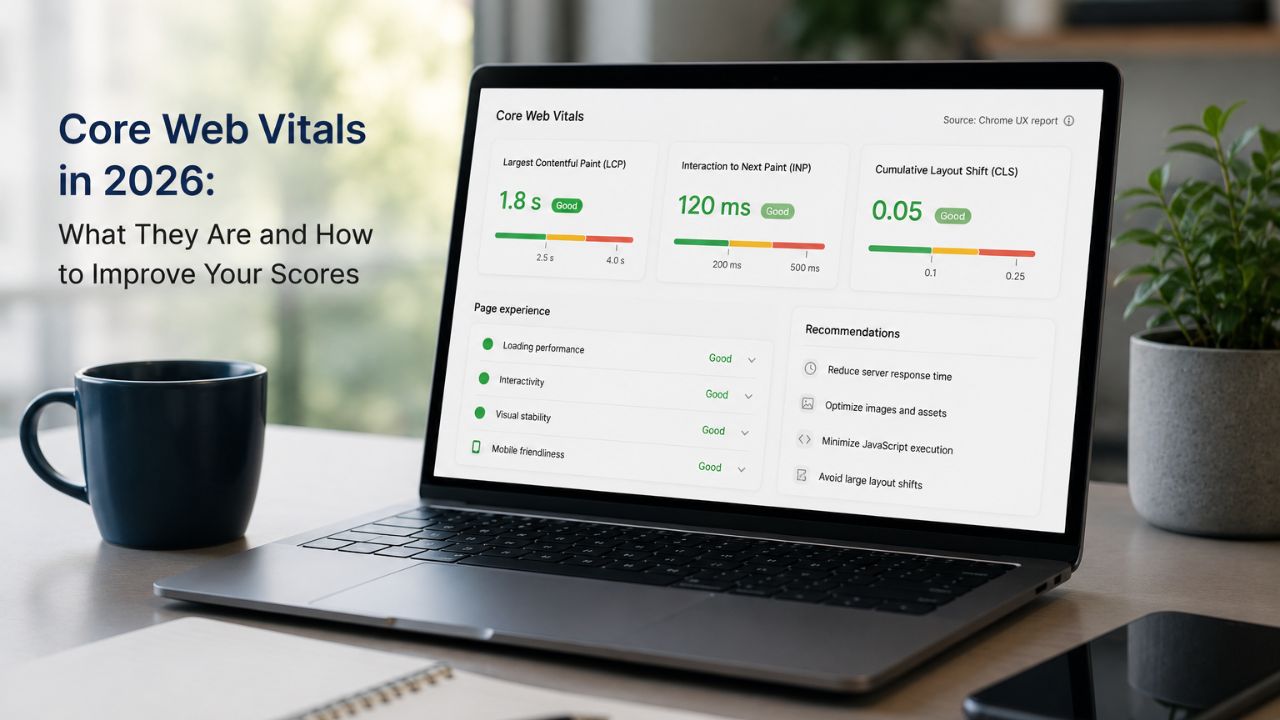
Core Web Vitals are a set of three specific metrics that Google uses to measure the user experience quality of a web page. They’re part of Google’s broader page experience Google 2026 signal, alongside HTTPS, mobile-friendliness, and absence of intrusive interstitials.
The three Core Web Vitals in 2026 are:
- LCP – Largest Contentful Paint (loading performance)
- INP – Interaction to Next Paint (interactivity and responsiveness)
- CLS – Cumulative Layout Shift (visual stability)
Each is measured using real user data from Chrome browsers, aggregated in the Chrome User Experience Report (CrUX). This is important: Google measures how your page performs for actual visitors, not just in lab conditions. A page can pass PageSpeed Insights’ lab test while still having poor Core Web Vitals in the field, because real-world connections, devices, and browser states vary significantly.
LCP: Largest Contentful Paint
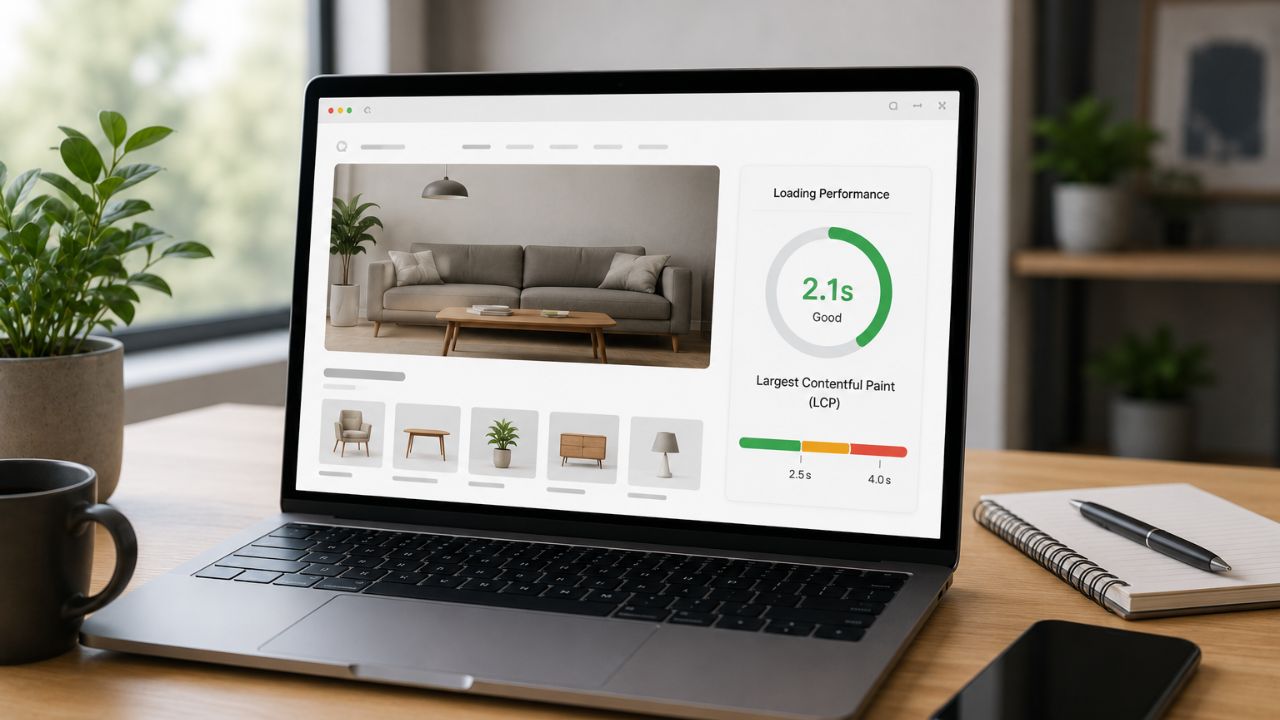
LCP measures how quickly the largest visible element on the page loads. This is typically your hero image, your main heading, or a large above-the-fold banner.
LCP Thresholds
- Good: Under 2.5 seconds
- Needs improvement: 2.5–4 seconds
- Poor: Over 4 seconds
For most Indian business websites, the LCP element is a large, unoptimised hero image – and it’s the most common reason pages fail this metric.
How to Improve LCP
- Optimise your hero image first. Your hero image is almost always your LCP element. Compress it, convert it to WebP format, and specify its dimensions in your HTML. A typical 2–3MB JPEG hero image should be under 200KB in WebP. This single fix produces the most significant LCP improvement for most sites.
- Use loading=”eager” on your LCP image. Most images use lazy loading to defer off-screen images – but your LCP element should load immediately. Add fetchpriority=”high” to your hero image tag to tell the browser to prioritise it.
- Upgrade your hosting or implement a CDN. For Indian websites targeting local audiences, server response time (TTFB – Time to First Byte) is often the hidden LCP killer. If your server takes 1.5 seconds to respond before the browser even starts rendering, you can’t achieve a sub-2.5 second LCP. A Content Delivery Network like Cloudflare routes users to the nearest server and significantly reduces TTFB.
- Eliminate render-blocking resources. Scripts and stylesheets that load before your content block the browser from rendering your page. Defer non-critical JavaScript, inline critical CSS, and remove unused CSS from your above-the-fold rendering path.
- Use browser caching. For returning visitors, caching allows the browser to serve your LCP image from local storage rather than re-downloading it. This dramatically improves LCP for a significant portion of your audience.
INP: Interaction to Next Paint
INP replaced FID (First Input Delay) as Google’s interactivity metric in March 2024 and remains the standard in 2026. Where FID measured only the first interaction, INP measures the responsiveness of all interactions throughout the page visit – clicks, taps, keystrokes.
INP Thresholds
- Good: Under 200ms
- Needs improvement: 200–500ms
- Poor: Over 500ms
Poor INP is often invisible to site owners because the site “feels fast” on a high-end laptop – but on a mid-range Android phone (which is most of India’s web traffic), JavaScript-heavy pages become noticeably sluggish.
How to Improve INP
- Reduce JavaScript execution time. INP is almost always a JavaScript problem. Long tasks – scripts that take over 50ms to execute – block the browser’s main thread and delay its response to user interaction. Use Chrome DevTools’ Performance panel to identify long tasks and either break them into smaller chunks or defer them.
- Break up long tasks. Use setTimeout() or the Scheduler API to yield to the main thread between long tasks. This allows the browser to respond to user interactions between script execution chunks rather than waiting for a single long task to complete.
- Remove unnecessary third-party scripts. Analytics tools, chat widgets, cookie consent banners, and social share buttons all add JavaScript that executes on your page. Each one contributes to main thread blocking. Audit which third-party scripts are actually needed and remove or defer the rest.
- Use web workers for heavy computation. Tasks that involve heavy data processing (filtering, sorting, complex calculations) can be offloaded to web workers, which run in a separate thread and don’t block user interactions.
- Optimise your event handlers. If your interactive elements (buttons, menus, form inputs) have complex event handlers, simplify them. Avoid running heavy calculations synchronously in response to user clicks – defer them or show a loading state while they run.
CLS: Cumulative Layout Shift
CLS measures visual stability – how much the page layout shifts unexpectedly while loading. If you’ve ever tried to click a button on a mobile page and had it jump away from your finger just as you tapped – that’s CLS.
CLS Thresholds
- Good: Under 0.1
- Needs improvement: 0.1–0.25
- Poor: Over 0.25
CLS is frustrating for users and particularly bad on mobile, where the smaller screen amplifies the impact of any unexpected shift.
How to Improve CLS
- Always specify image dimensions. The most common cause of CLS is images without explicit width and height attributes. When the browser doesn’t know an image’s dimensions, it can’t reserve space for it – so the image loads and pushes content down. Add width and height to every <img> tag.
- Reserve space for ads and embeds. Ad slots, YouTube embeds, and third-party widgets that load after the page renders cause massive CLS. Use min-height CSS to pre-reserve the space these elements will occupy.
- Avoid injecting content above existing content. Banners, cookie notices, and promotional bars that appear at the top of the page after initial load push all existing content down. Either load them as part of the initial render or position them so they don’t affect existing content layout.
- Use CSS transform for animations. Animations that change an element’s top, left, margin, or padding trigger layout recalculations and contribute to CLS. Use transform and opacity for animations instead – they run on the GPU compositor and don’t trigger layout shifts.
- Pre-load custom fonts. Web fonts that load late cause text to reflow as the browser swaps from fallback font to custom font (called FOUT – Flash of Unstyled Text). Use font-display: optional or preload your primary font to minimise the swap.
How to Check Your Core Web Vitals
Three tools to assess your scores:
Google Search Console
Go to Experience → Core Web Vitals. This shows your field data – real user measurements from Chrome – aggregated across all your pages. It groups pages into “Good,” “Needs Improvement,” and “Poor” buckets and identifies which specific pages need attention.
Google PageSpeed Insights
Enter any URL at pagespeed.web.dev. You’ll see both lab data (simulated conditions) and field data (real user data from CrUX). The Opportunities and Diagnostics sections identify specific issues and quantify the potential improvement for each fix.
Chrome DevTools
Open Chrome DevTools → Performance → record a page load. This shows you the exact sequence of events, identifies long tasks, and highlights which resources are blocking rendering. Essential for diagnosing INP and complex LCP issues.
LCP FID CLS 2026: The Priority Order for Fixing Issues
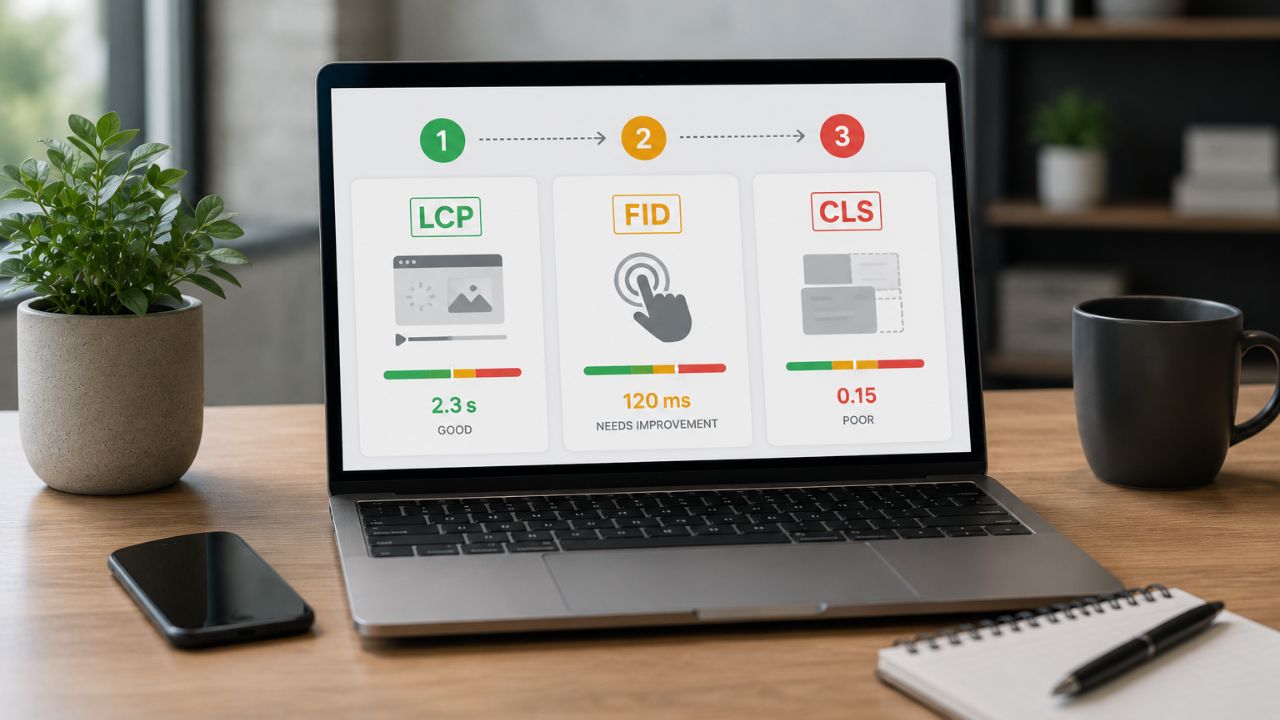
If you have poor scores across multiple metrics, fix in this order:
- LCP first – it’s the most impactful metric for perceived page speed and the most commonly failed by Indian sites. Image optimisation is the highest-leverage fix and often takes less than a day to implement.
- CLS second – adding image dimensions and reserving ad space are quick wins that immediately improve visual stability. The impact is immediate after deployment.
- INP last – because it requires JavaScript profiling and often involves deeper code changes, INP fixes typically take longer. Start with removing unnecessary third-party scripts, which can produce immediate improvement without touching your own code.
The Bottom Line
Core Web Vitals in 2026 aren’t just an SEO checklist item – they’re a direct measure of whether your website delivers a good experience to Indian users on real devices and connections.
Every point of improvement in LCP, INP, and CLS improves both your search rankings and your actual conversion rates. Users who experience fast, stable, responsive pages convert at significantly higher rates than those who don’t.
Want BeSky Marketing to Fix Your Core Web Vitals?
Frequently Asked Questions (FAQs)
Q1. Do Core Web Vitals directly affect Google rankings?
Yes, Core Web Vitals are a Google ranking factor, especially when competing pages have similar content and authority. They matter more for mobile search performance.
Q2. What is the difference between INP and FID?
INP replaced FID in 2024 and measures overall page responsiveness, not just the first interaction. It’s a stricter metric and focuses on the full user experience.
Q3. My PageSpeed score is good but Core Web Vitals still fail – why?
PageSpeed shows lab data, while Core Web Vitals use real user data from Chrome. Slow devices and poor mobile connections can still hurt performance.
Q4. How long does it take to see Core Web Vitals improvements?
Changes usually appear in Google Search Console within 28 days. Ranking improvements may take 4–8 weeks after fixes are detected.
Q5. Which websites most commonly fail Core Web Vitals?
Heavy WordPress sites, large hero images, too many plugins/widgets, and slow hosting are the biggest causes of poor Core Web Vitals scores.
