
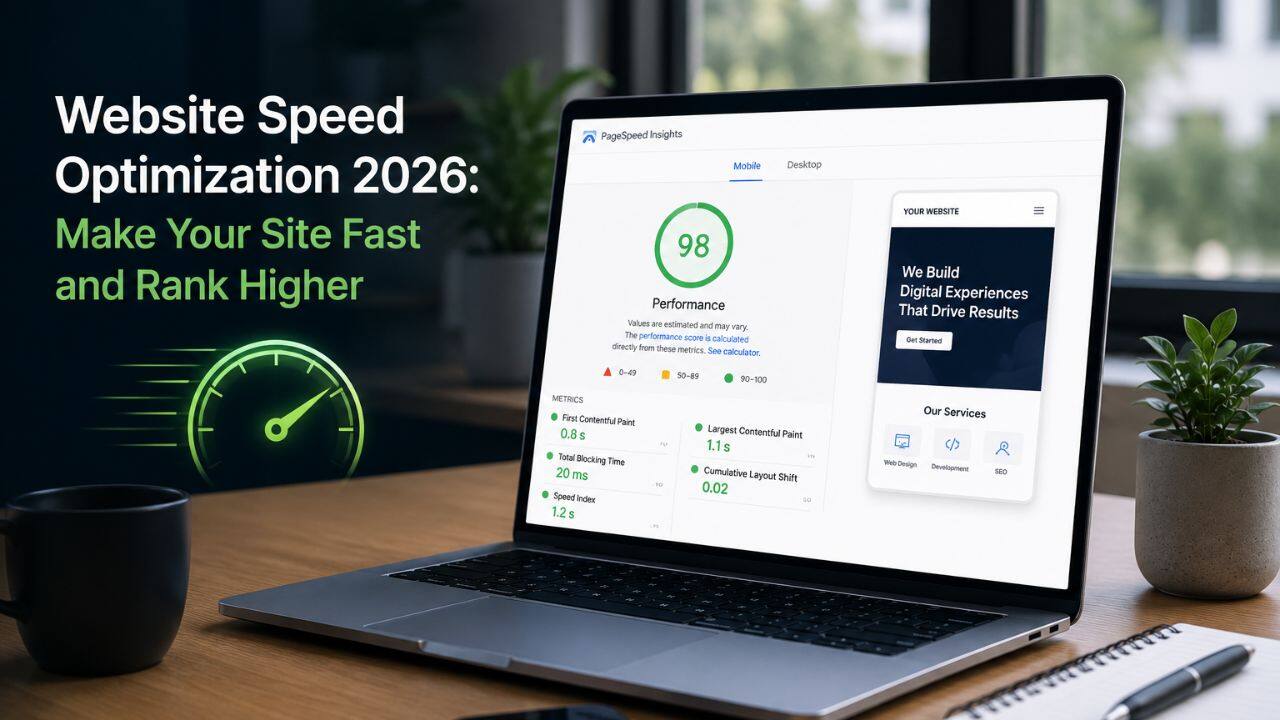
Here’s a number that should get your attention: a one-second delay in page load time reduces conversions by up to 7%.
That’s not a projection from a controlled experiment – it’s what happens to real businesses, every day, when their website is slower than it needs to be. Google knows this too, which is why page speed is a direct ranking factor in 2026, embedded in Core Web Vitals and the broader page experience signal.
If your site is slow, you’re losing on two fronts simultaneously: lower search rankings and worse conversion rates. This guide covers the complete website speed optimization SEO 2026 playbook – what slows Indian websites down and exactly what to do about it.
Why Website Speed Matters More Than Ever in 2026
Speed has always mattered for user experience. In 2026, it matters for rankings too – and the stakes have risen.
Google’s AI Overviews increasingly surface content from pages with strong page experience scores. A slow, poorly performing website doesn’t just rank lower in blue link results – it’s less likely to be cited in AI-generated summaries. The technical quality of your site is now part of your content’s discoverability in AI search.
For Indian businesses specifically, the speed challenge is compounded by infrastructure realities. The majority of Indian internet traffic arrives on mobile devices over 4G connections – connections that can be fast in metro areas but variable in Tier 2 and 3 cities. A website that loads in 2 seconds on Delhi fibre may take 6 seconds on a mid-range phone in Bhopal. Google measures both.
What Actually Slows Your Website Down
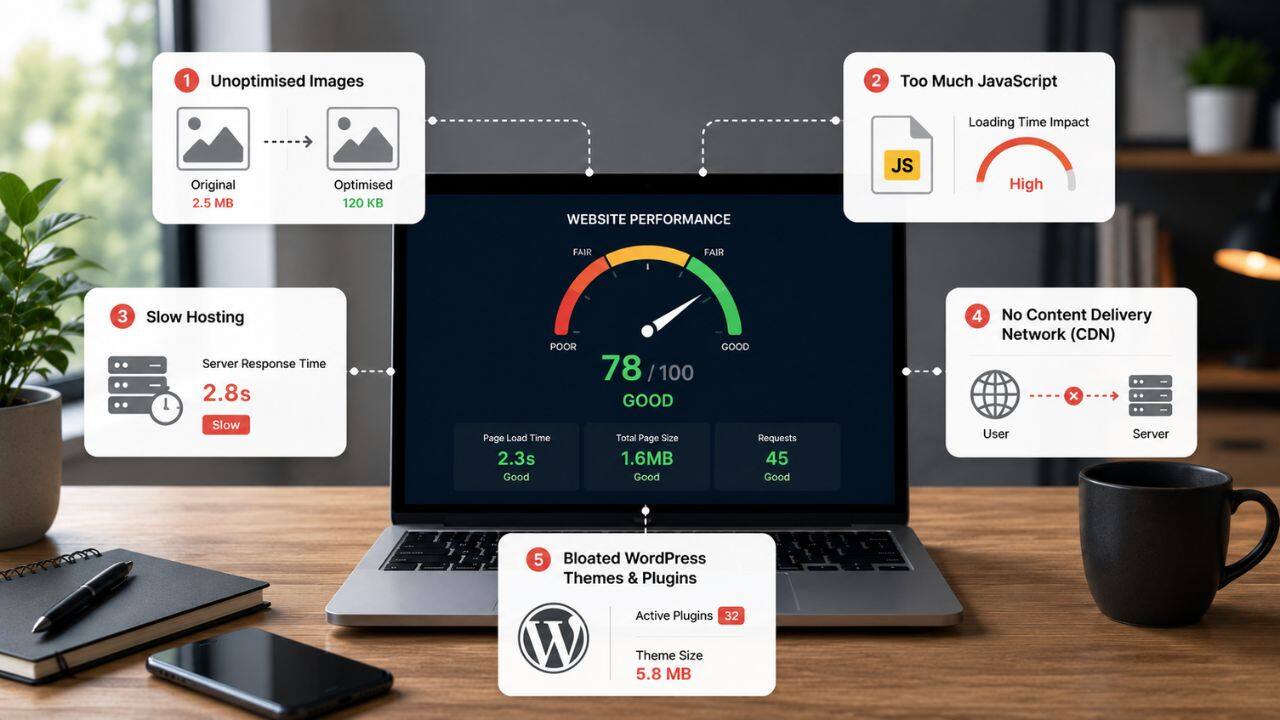
Before fixing speed, you need to understand what’s causing it. Most Indian business websites slow down because of a combination of the same five culprits:
1. Unoptimised Images
Large, uncompressed images are a major cause of slow websites. Compress images, convert to WebP, add dimensions, and use lazy loading to improve speed.
2. Too Much JavaScript
Extra scripts from plugins, sliders, and widgets slow pages down. Remove unnecessary scripts and defer non-essential JavaScript for faster loading.
3. Slow Hosting
Cheap shared hosting often causes slow server response times. Upgrading to better hosting or a VPS can significantly improve website speed.
4. No Content Delivery Network (CDN)
Without a CDN, website files load slower for users in different locations. Using a CDN like Cloudflare helps deliver content faster.
5. Bloated WordPress Themes & Plugins
Heavy themes and too many plugins increase page weight. Use lightweight themes, fewer plugins, and caching for better performance.
Fast Website Tips 2026: The Priority Fix List
Rather than fixing everything at once, work through this list in priority order – the items at the top produce the most improvement for the least effort:
Priority 1: Compress and Convert All Images
Run your site through Google PageSpeed Insights or GTmetrix. The image suggestions will be the most common finding. Use these tools:
- Squoosh (free, browser-based) – compress and convert images to WebP
- ShortPixel (WordPress plugin) – automatically optimises images on upload
- Imagify (WordPress plugin) – bulk converts existing library to WebP
Target: every image on your site under 200KB, hero images under 100KB where possible.
Priority 2: Enable Caching
Caching stores a static version of your pages so the server doesn’t regenerate them for every visitor. For returning visitors and crawlers, caching can reduce load time by 50–80%.
- WordPress: WP Rocket, W3 Total Cache, or WP Super Cache
- Non-WordPress sites: Configure server-side caching through your hosting panel or via Cloudflare
- Set cache expiry headers for static assets (images, CSS, JS) to at least 1 year
Priority 3: Set Up a CDN
Cloudflare’s free tier is sufficient for most Indian small and medium businesses. Setup takes under 30 minutes:
- Create a free Cloudflare account
- Add your domain and update your DNS nameservers
- Enable “Auto Minify” for HTML, CSS, and JavaScript
- Enable “Rocket Loader” (defers non-critical JavaScript automatically)
This single step often improves TTFB by 40–60% for users far from your hosting server.
Priority 4: Defer Non-Critical JavaScript
In WordPress, WP Rocket handles this automatically. On custom sites, add defer or async attributes to non-critical script tags:
- defer – script downloads in parallel, executes after HTML is parsed
- async – script downloads and executes independently, without waiting for HTML
Never defer scripts that are critical for above-the-fold rendering – this can make your page look broken while it loads.
Priority 5: Minimise Redirects
Every redirect adds a round-trip HTTP request, which adds latency. Redirect chains – where A redirects to B which redirects to C – are particularly damaging for load time and crawl efficiency.
Audit your site’s redirects using Screaming Frog or Ahrefs. Clean up chains to single-hop redirects. Ensure internal links point directly to the final URL rather than through redirects.
Priority 6: Upgrade Hosting If Needed
If your PageSpeed Insights shows a server response time (TTFB) consistently above 600ms, your hosting is the bottleneck. For Indian businesses:
- Current budget option: Cloudways (managed cloud hosting from ~₹1,500/month on DigitalOcean)
- Better performance: Hetzner or AWS Lightsail with server-side caching configured
- WordPress specific: Kinsta or WP Engine for fully managed WordPress hosting with built-in performance infrastructure
The investment in better hosting returns itself quickly through improved rankings and conversion rates.
Improve Website Speed SEO: Measurement and Monitoring
Fixing speed without measuring is guesswork. Use these tools to track your progress:
Google PageSpeed Insights
The primary tool for diagnosing speed issues. Enter any URL and get:
- A performance score (0–100) for mobile and desktop
- Lab data showing specific metrics (LCP, INP, CLS, FCP, TTFB)
- Specific “Opportunities” with estimated improvement for each fix
- “Diagnostics” for issues that aren’t direct savings but affect performance
Run PageSpeed Insights before and after each fix to measure the impact.
Google Search Console – Core Web Vitals Report
Unlike PageSpeed (which uses simulated lab data), Search Console shows real user data from actual Chrome visitors to your site. Go to Experience → Core Web Vitals to see which pages are “Good,” “Needs Improvement,” or “Poor” based on real-world performance.
This is the data Google uses for ranking – prioritise the pages flagged here.
GTmetrix
GTmetrix provides waterfall charts showing the exact loading sequence of every asset on your page. Particularly useful for identifying which specific images, scripts, or stylesheets are slowing your page down and in what order.
Use the India test location in GTmetrix to simulate performance from an Indian server rather than a North American default.
Page Speed Google Ranking: The 2026 Connection
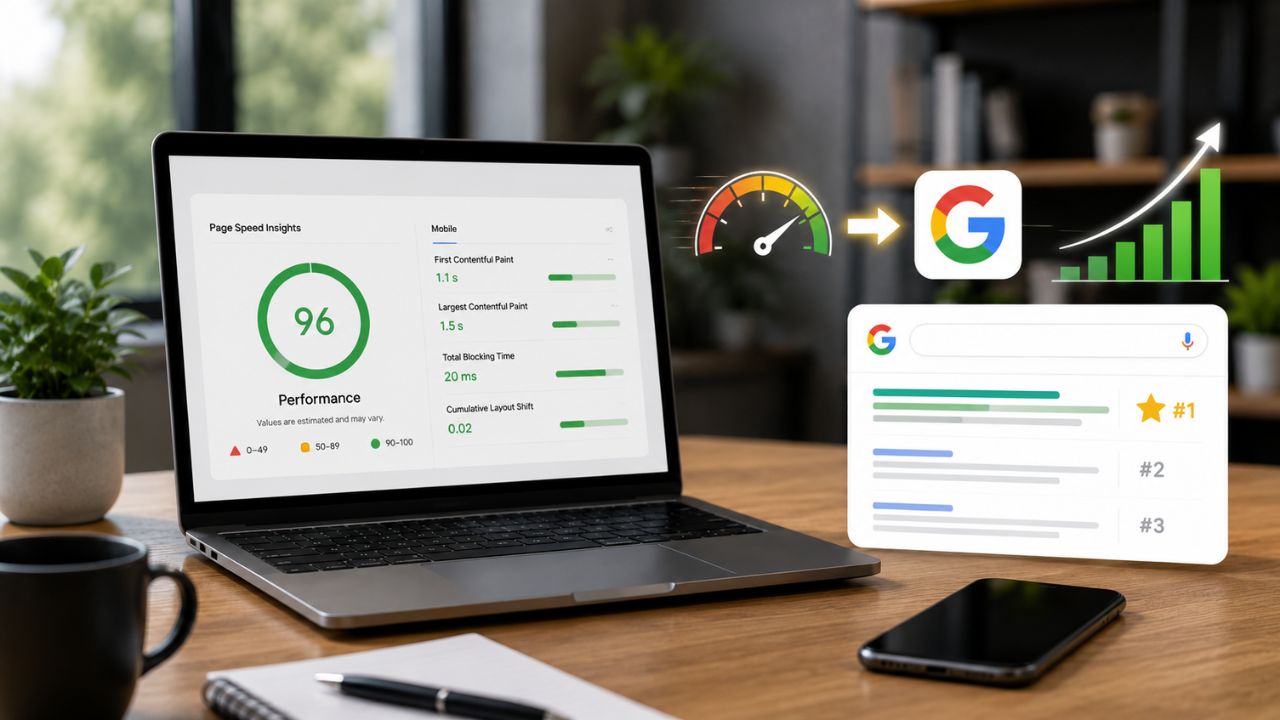
Here’s the thing most site owners miss: speed improvements don’t just improve your rankings – they improve everything.
A faster site means:
- Better Core Web Vitals scores → higher search rankings
- Lower bounce rate → more pages indexed per crawl, better engagement signals
- Higher conversion rate → more leads and sales from existing traffic
- Better AI Overviews eligibility → pages with strong page experience are more likely to be surfaced in AI-generated answers
- Lower Google Ads CPC → Google rewards faster landing pages with better Quality Scores, which reduces your cost per click
Every speed improvement you make compounds across multiple performance dimensions simultaneously. It’s the highest ROI technical investment most Indian business websites can make.
The Bottom Line
Website speed optimization in 2026 isn’t optional for Indian businesses that want to compete in organic search.
Measure before and after. Fix the highest-impact issues first. Then build from there.
Want BeSky Marketing to Optimise Your Site Speed?
Frequently Asked Questions (FAQs)
Q1. Does website speed directly affect Google rankings?
Yes, website speed is a Google ranking factor through Core Web Vitals. Faster websites improve rankings, user experience, and AI search visibility in 2026.
Q2. What is a good page load time for an Indian website?
Aim for an LCP under 2.5 seconds, especially for mobile users. Well-optimised websites often load in 1.5–2 seconds.
Q3. How much does website speed optimization cost?
Basic speed improvements can be free or low-cost using image compression, caching, and CDNs. Professional optimisation typically costs ₹15,000–₹50,000.
Q4. Will optimising images alone make my site faster?
Yes, image optimisation is often the biggest speed win. Compressing images and using WebP format can significantly improve load times.
Q5. Why does PageSpeed Insights show a low score if my site looks fine?
PageSpeed tests your site on realistic mobile conditions and slower networks. Your desktop or WiFi experience may feel faster than what mobile users see.
